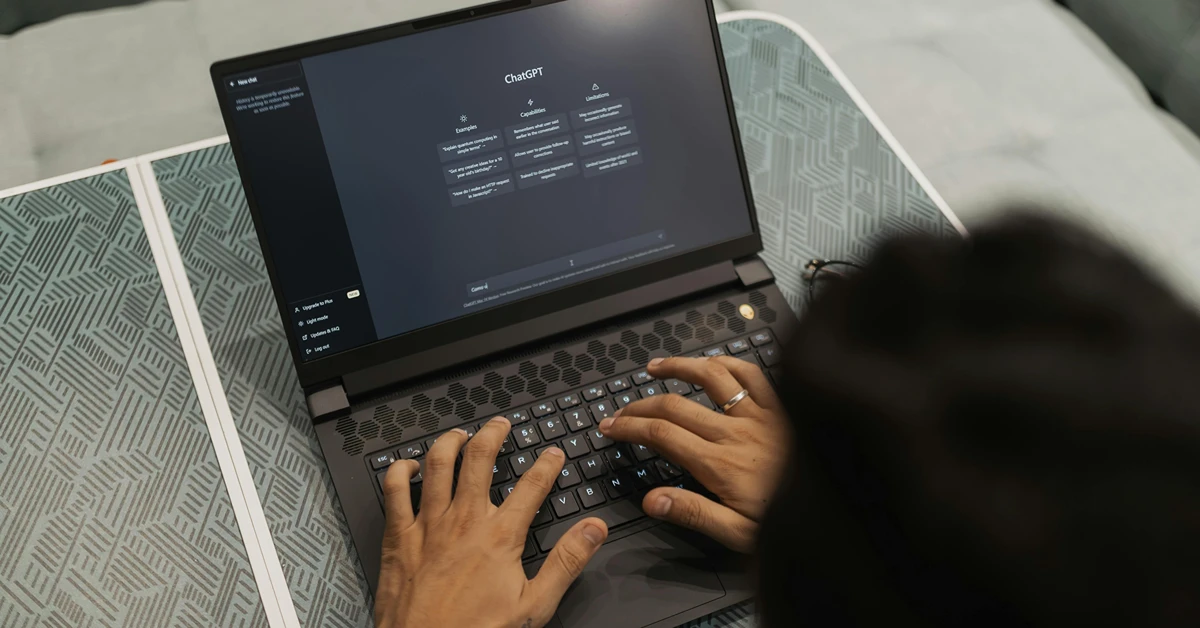
Should You Add an AI Chatbot to Your Website? A Practical Guide for Business Owners
November 27, 2026

In short
An AI chatbot for your website is worth adding when you get the same customer questions again and again, you have clear written information it can answer from, and you are willing to review its conversations. It is not worth it if your content is thin, your enquiries are mostly complex or sensitive, or nobody will check what it says to customers.
More and more clients ask me the same question: should I put an AI chatbot on my website? The honest answer is that an AI chatbot for your website can be one of the most useful things you add this year, or a quiet source of wrong answers and annoyed customers. The difference has very little to do with which AI model you pick and a lot to do with preparation, limits and follow-up. In this guide I explain how I decide whether a chatbot makes sense for a business, what it needs to work well, and how I set one up so it helps rather than hurts.
What an AI chatbot for your website actually does
Older website chatbots worked from fixed scripts: click a button, get a canned reply. Modern AI chatbots understand questions typed in normal language and write their own replies. When they are set up properly, they answer from your information, such as your service pages, FAQs, policies, product catalogue and opening hours, rather than from whatever the model learned on the wider internet.
A well-built chatbot can usually do three kinds of work:
- Answer questions: delivery times, what is included in a service, how returns work, whether you serve a particular area.
- Collect details: ask a few qualifying questions and pass the enquiry to you by email, CRM or WhatsApp.
- Take simple actions: check order status, suggest products or book a call, when it is connected to the right systems.
Once a chatbot starts taking actions in your systems, it becomes what people now call an AI agent. I cover that side in more detail on my AI agent development page. For this article, I will focus on the decision most business owners face first: whether a chat assistant on the website is worth it at all.
Signs an AI chatbot will help your business
In my experience, a chatbot earns its place when several of these are true:
- You answer the same questions every week. If your inbox or WhatsApp is full of "do you ship to…", "how long does it take…" and "what does it cost to start…", a chatbot can handle the repeat questions and free your time for real conversations.
- Customers visit outside your working hours. If you serve clients in other time zones, a visitor at 2am your time can still get a useful answer and leave their details instead of leaving the site.
- You already have good written information. Clear service pages, a real FAQ and written policies are the raw material the chatbot works from. Good content in, good answers out.
- Your enquiries follow a pattern. If most leads need the same four or five details before you can quote, the chatbot can gather them in a friendly way.
- You run an online shop with lots of products. Shoppers often want help narrowing down options, checking sizes or understanding delivery, which a chatbot connected to your catalogue can do well.
When an AI chatbot is a bad idea
I also tell clients plainly when I think a chatbot is the wrong move. It is usually a poor fit when:
- Your website content is thin or out of date. The chatbot will either invent answers or keep saying it does not know. Fix the content first. That work also helps your SEO.
- Most enquiries are complex, emotional or high-stakes. Legal, medical, financial and sensitive personal situations need a human. A chatbot can still route people to the right contact, but it should not be giving the advice.
- You get very few enquiries. If you receive a handful of messages a week, a clear contact form and a fast personal reply will often convert better.
- Nobody will review the conversations. An AI chatbot is not "set and forget". If no one reads the transcripts, mistakes will repeat quietly.
- You want it to replace you entirely. Many clients choose a freelancer or small business precisely because they get a real person. Hiding that person behind a bot can work against you.
What a good website chatbot needs before launch
This is where most of the work goes. When I build a chatbot for a client, the AI model is the easy part. The preparation below is what makes it trustworthy.
1. A clean knowledge source
I gather the information the chatbot is allowed to use: service pages, product data, FAQs, policies and any internal notes the business is happy to share. Then I fix contradictions. If one page says delivery takes three days and another says five, the chatbot will pick one at random. Cleaning this up usually improves the website itself too.
2. Clear rules on what it can and cannot say
I write instructions that keep the chatbot on topic and honest. Typical rules include: only answer from the approved information, say "I'm not sure, let me connect you with the team" instead of guessing, never promise prices or dates that are not written down, and never give legal, medical or financial advice.
3. A smooth handover to a human
The best chatbots know when to step aside. I set up a clear path to a person, such as a contact form, an email to you, a WhatsApp chat or a booking link, and I make sure the chatbot passes along what the visitor already said so they do not have to repeat themselves.
4. Privacy and data handling
Visitors may type names, phone numbers, order details or even sensitive information into a chat box. You need to know where those conversations are stored, who can see them, how long they are kept and whether the AI provider uses them for training. Your privacy policy should mention the chatbot, and the chat window should make it clear that people are talking to AI, not a person.
5. Security limits
If the chatbot can look up orders or book appointments, it must only access the minimum it needs. AI chat tools can be tricked with cleverly worded messages, a problem known as prompt injection, so I never give a public chatbot broad access to customer records or admin functions. The OWASP Top 10 for LLM applications is a useful reference on these risks if you want to dig deeper.
How to add an AI chatbot to your website: your main options
There are three broad routes. None is right for everyone.
- Ready-made chatbot platforms: You sign up, paste a snippet into your site and upload your content. These are quick to start and fine for simple question answering. The trade-offs are monthly fees that can grow with usage, less control over behaviour, and your conversation data living on someone else's platform.
- Plugins and apps for your CMS: WordPress, WooCommerce and Shopify all have chatbot plugins or apps. They can read your products and pages more easily, but quality varies a lot, and each extra plugin adds weight to your site and another thing to keep updated.
- A custom-built assistant: I connect a chosen AI model directly to your content and systems through APIs. This takes more setup but gives you full control over what it says, what it can access, how it hands over to you and where data is stored. It is the better choice when the chatbot needs to work with your booking system, CRM or order data. You can read more about this kind of work on my API integration page.
For many small businesses, I suggest starting simple: a focused assistant that answers the top twenty questions and collects leads. Once you see real conversations, you will know which extra features are worth building.
Keeping your site fast and accessible
A chatbot is extra code running on every page, so it can slow your site down if it is added carelessly. I load chat widgets only after the main page content has loaded, so they do not hurt page speed or Core Web Vitals. I also check that the chat window works with a keyboard and screen readers, does not cover important buttons on small phones, and can be closed easily. A chat bubble that blocks the "Add to cart" button on mobile costs sales.
Measuring whether the chatbot is working
After launch, I look at a few simple things every week or two for the first couple of months:
- Read the transcripts: Are the answers accurate? Where did it get confused? Which questions keep coming up that your website does not answer well?
- Handover rate: How often does it pass people to a human, and were those the right moments?
- Leads and enquiries: Are you getting more qualified enquiries, or just more noise?
- Complaints: Any sign of frustration means a rule or a piece of content needs fixing.
The questions people ask your chatbot are also a goldmine for content. If ten visitors a month ask something your site does not answer, that is your next FAQ or blog post. This kind of review fits naturally into ongoing website support, so the chatbot keeps improving instead of slowly drifting out of date.
My honest recommendation
If you are getting steady traffic, answering the same questions repeatedly and you have solid written information, an AI chatbot for your website is worth testing. Start small, keep it honest about being AI, give it a clear path to a human, and review what it says. If your content is weak or most of your enquiries need personal judgement, put the effort into better pages and a faster contact process first. You can always add AI later, and it will work far better on a strong foundation.
If you want a second opinion on whether a chatbot suits your business, or you would like one built and connected to your existing site, I am happy to look at your website and tell you plainly what I think. My article on how AI is transforming small businesses also covers other simple, low-risk ways to start using AI.
Frequently asked questions
Will an AI chatbot give my customers wrong answers?
It can if it is set up loosely. The risk drops a lot when the chatbot only answers from your approved content, is told to admit when it does not know, and hands over to a person for anything unclear. Reviewing transcripts regularly catches the remaining mistakes early.
Can an AI chatbot work with WordPress, WooCommerce or Shopify?
Yes. Chatbots can be added to almost any website. On WordPress, WooCommerce and Shopify they can also be connected to products, orders and pages so they give specific answers rather than general ones.
Do I need to tell visitors they are talking to AI?
I always recommend it. Being upfront builds trust, and in many places transparency about AI and automated processing is becoming a legal expectation. A short line in the chat window and a mention in your privacy policy is usually enough.
Will a chatbot slow down my website?
It can if the script loads straight away on every page. Loading the chat widget after the main content, and only where it is needed, keeps the impact on page speed small.
Is a chatbot better than WhatsApp or a contact form?
They do different jobs. A contact form and WhatsApp are best for direct, personal conversations. A chatbot is best for instant answers to common questions and for collecting details before handing over. Many of my clients use a chatbot that passes qualified leads straight to WhatsApp or email.